

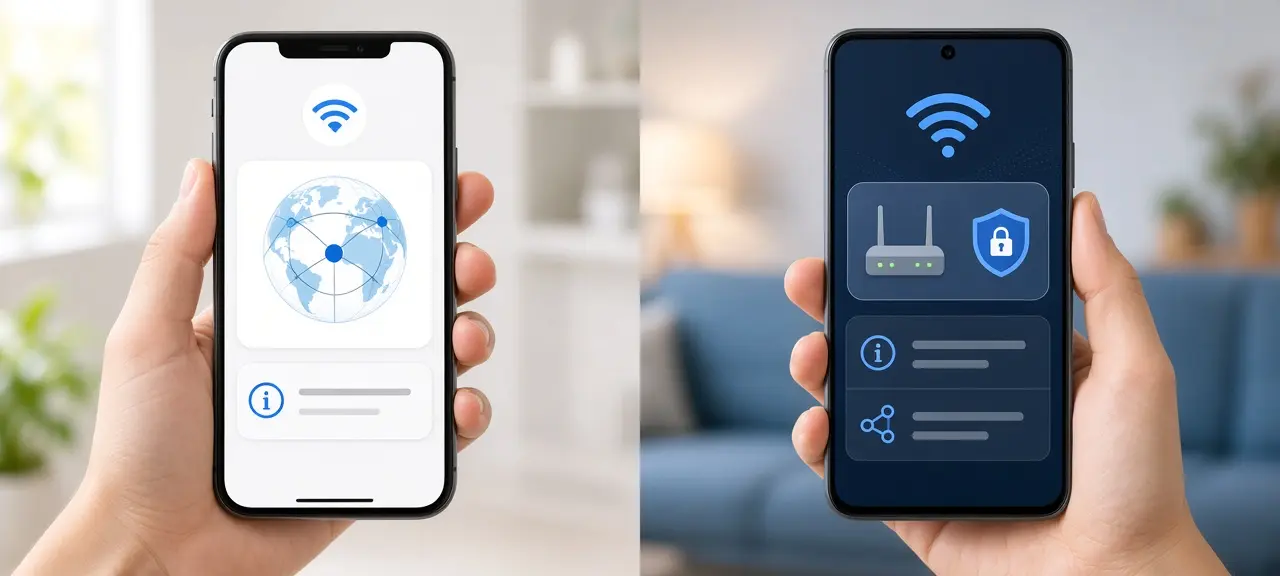
Open checkip.day in your phone's browser, and the number at the top of the page is the answer to what is my IP address on my phone: it's the public IP that every website sees. You can see your phone's public IP this way on any iPhone or Android phone, with nothing to install. Your phone also has a Wi-Fi IP from your router, which only works inside your home network. On iPhone it's under Settings > Wi-Fi > (i). On Android it's in the Wi-Fi network details or under About phone > Status. A printer setup needs the Wi-Fi IP. A VPN check needs the public IP.
What is my IP address on my phone: Wi-Fi, mobile data or public?
Your phone IP address depends on the connection. On Wi-Fi, the phone has a private Wi-Fi IP from your router. On mobile data, it has an IP from your carrier. Websites see a public IP, which may be a third number.
| Type of IP | Who assigns it | Example | Where to see it | When you need it |
|---|---|---|---|---|
| Wi-Fi IP (private) | Your router | 192.168.1.23 | Settings > Wi-Fi | Printers, cameras, file sharing at home |
| Mobile data IP | Your carrier | 10.x.x.x, 100.64.x.x or a public IP | Android: About phone > Status. iPhone: not shown | Spotting a shared carrier IP (CGNAT) |
| Public IP | Your internet provider or carrier | 203.0.113.45 | The CheckIP homepage | VPN checks, support requests, whitelists |
Three phones on the same home Wi-Fi get three different Wi-Fi IPs, such as 192.168.1.23, .24 and .25, but share one public IP. The private ranges come from RFC 1918. For laptops, see how to find your IP address on Windows, Mac and other devices.
How to find your iPhone IP address (iOS 17 and iOS 18)
To find the IP address on iPhone, open Settings, tap Wi-Fi, then tap the More Info button next to the network you're on. The number on the IP Address line is your iPhone's Wi-Fi IP. The steps are the same on iOS 17 and iOS 18.
- Open Settings and tap Wi-Fi.
- Tap the "i" in a circle next to the network with the check mark.
- Under IPv4 Address, read the IP Address line, for example 192.168.1.23.
The same group shows Subnet Mask and Router. The Router line is the address you type into Safari to log in to your router. An IPv6 section appears below if your network supports it. An iPad uses the same path.
Private Wi-Fi Address is not your IP address
The Private Wi-Fi Address line on the same screen is a MAC address, not an IP. Apple's page on private Wi-Fi addresses lists three choices on iOS 18: Off, Fixed and Rotating. Fixed is the default on networks with WPA2 or stronger security. Rotating changes the address every 2 weeks and is the default on networks with weak or no security. iOS 17 and earlier have only an on/off switch.
If your router filters devices by MAC address, or reserves a fixed IP for your iPhone, a rotating address makes the router lose track of the phone. Pick Fixed at home.
How to check your iPhone IP address without Wi-Fi
To check your iPhone IP address without Wi-Fi, turn Wi-Fi off and open checkip.day in Safari. iOS has no screen for the cellular IP, so a website is the only way to see it. You get the public IP of your mobile connection.
A VPN replaces that number with the VPN server's address. iCloud Private Relay (part of iCloud+) does something similar in Safari: according to Apple's page About iCloud Private Relay, the relay gives each site a temporary IP address. To see your carrier's address, turn both off or use another browser.
How to find IP address on Android (Pixel, Samsung, Xiaomi)
To find the IP address on Android, look in one of two places: the details screen of your Wi-Fi network, or About phone > Status. The second often shows the mobile data IP too. If a menu name doesn't match, type "IP address" into the search bar at the top of Settings.
| Brand | Wi-Fi path | About phone path |
|---|---|---|
| Google Pixel (stock Android) | Settings > Network & internet > Internet > gear icon next to the network | Settings > About phone > IP address |
| Samsung Galaxy (One UI) | Settings > Connections > Wi-Fi > gear icon > View more | Settings > About phone > Status information |
| Xiaomi, Redmi, POCO (HyperOS, MIUI) | Settings > Wi-Fi > tap the connected network | Settings > About phone > Detailed info and specs > Status |
Google Pixel and stock Android (Android 14 and 15)
Google's help page on advanced Wi-Fi network settings documents the Network & internet > Internet screen and the gear icon next to your network. The IP address is in the network details, sometimes inside an expandable Network details section.
How to find IP address on a Samsung phone (One UI)
Samsung puts Wi-Fi under Connections, one step deeper than on a Pixel. Tap View more if the IP address isn't shown at first. Status information under About phone lists the IP and the Wi-Fi MAC address together.
Xiaomi, Redmi and POCO (HyperOS and MIUI)
Newer Xiaomi phones run HyperOS and older ones run MIUI. On both, the Wi-Fi route is quicker than About phone. Redmi and POCO use the same software, so the steps match.
Android's Wi-Fi details screen also lists a "Randomized MAC address" or a MAC address type. Like the iPhone's Private Wi-Fi Address, it's a MAC, not your IP.
Why your phone's IP is different on Wi-Fi and mobile data
Your mobile IP address differs from your Wi-Fi one because the IP belongs to the connection, not to the phone. On Wi-Fi, websites see your home router's public IP. On mobile data, they see an address from your carrier. A laptop on your phone's personal hotspot shows the same carrier IP on checkip.day.
Try a 30-second test. Open checkip.day on Wi-Fi and note the number. Turn Wi-Fi off, wait for the 4G or 5G icon, and reload. The IP changes, and so does the network name next to it.
Carrier-grade NAT (CGNAT) on mobile networks
Many mobile carriers put lots of subscribers behind one public IP, a setup called carrier-grade NAT (CGNAT). On Android you can spot it: if the IP under About phone > Status is between 100.64.0.0 and 100.127.255.255, or starts with 10, and doesn't match the IP on checkip.day, you're behind CGNAT. RFC 6598 reserves the 100.64.0.0/10 block for this.
Behind CGNAT you can't open ports or host a game server, and you may see more CAPTCHAs because others share your IP. Many mobile networks also give phones IPv6, so checkip.day may show an IPv6 address.
Why is my phone's IP address in a different state or city?
Your phone's IP address shows a different state or city because IP location points to your carrier's network gateway, not to where you stand. That gateway can be hundreds of miles away. A VPN or Private Relay moves the location too. To check where an address is registered, look up any IP address on CheckIP.
When you need your phone's IP address
You need the Wi-Fi IP for jobs inside your home network, and the public IP for anything on the internet. Common cases:
- Adding a printer, camera or smart plug: the Wi-Fi IP.
- Sharing files or using a remote app at home: the Wi-Fi IP of the receiving phone.
- Checking that a VPN works: the public IP, which should show the VPN server's country.
- Opening your router's admin page: the Router (iPhone) or Gateway (Android) line.
- Asking support for help or joining an IP whitelist: the public IP.
Frequently asked questions
Does my phone have an IP address?
Yes. A phone gets an IP address for each connection it uses, so it has none in airplane mode. On Wi-Fi, it also shares the router's public IP with everyone in the house. Our guide to what an IP address is explains how these numbers are built.
Can a cell phone IP address be traced?
Only to the carrier and a rough area. Anyone who sees your mobile IP can learn which carrier owns it and an approximate region, often far from you. Only the carrier can match the IP to a subscriber, and it usually does so only under a legal order.
Does my phone's IP address change?
Yes, often. The Wi-Fi IP can change when the router hands out addresses again, for example after a restart. The mobile data IP usually changes when you toggle data or airplane mode. The public IP on Wi-Fi changes when your provider gives the router a new one.
Can I find a phone's IP address from its phone number?
No. There's no public way to turn a phone number into an IP address. The number belongs to the SIM, while the IP belongs to the connection in use at that moment. Only the carrier's own systems link the two, and no website can see those records.
Is the IP address the same as the MAC address on my phone?
No. The IP address tells networks where to deliver data, and it changes with every network you join. The MAC address identifies the phone's Wi-Fi chip, and only devices on the same local network see it. Both sit on the Wi-Fi details screen, which is why people mix them up.
What is my private IP on my phone?
It's the Wi-Fi IP shown in your phone's Wi-Fi settings, usually starting with 192.168, 10 or 172.16 to 172.31. It only means something inside your home network, and websites never see it. Another phone on a different Wi-Fi can have the exact same private IP.





