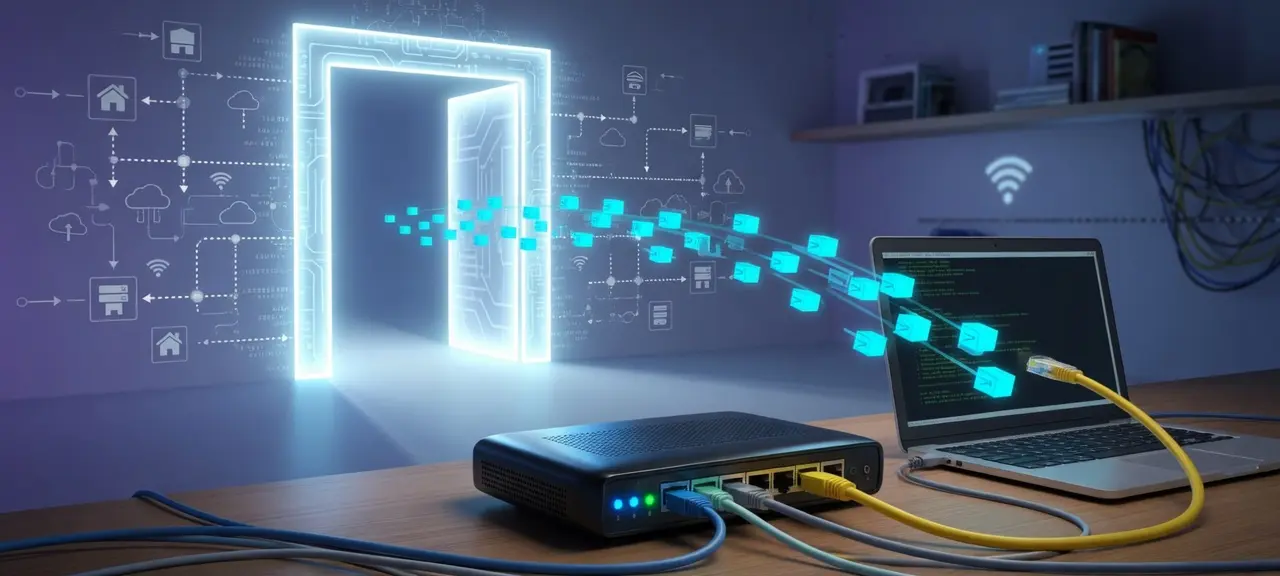
A default gateway is the device, usually your home router, that your computer or phone sends traffic to whenever the destination is outside your local network. Its address is the number people call the gateway IP address, and at home it is often 192.168.1.1, 192.168.0.1 or 10.0.0.1. On Windows, run ipconfig. On a Mac or iPhone, look for the Router line in the Wi-Fi details, and on Android look for Gateway. The default gateway is a private address that works only inside your home. Websites see your public IP, which belongs to the internet side of the same router.
What is a default gateway?
A default gateway is the router a device uses for any destination it has no specific route for. Wikipedia calls it the "router of last resort": when no other rule matches a packet's destination IP address, the packet goes to the gateway. In a home, that is the Wi-Fi router or the modem-router box your ISP installed.
Each active connection has one default gateway. A laptop on home Wi-Fi uses the router's LAN address. The same phone on 4G has no link to your home router at all, so its gateway sits inside the carrier's network and you can't open it. In an office, it is often a router or firewall set per subnet. People also search for it as ip gateway or gateway address. Both mean the IP of that device on your side of the network.
How a device uses its default gateway
A device compares every destination with its own address and subnet mask. If the destination is on the same network, the device sends the data straight to it. If the destination is on another network, the device hands the data to the default gateway, and the router forwards it toward the internet. Here is the path when a laptop at 192.168.1.23/24 opens a website.
- The laptop checks the website's IP against its subnet mask of 255.255.255.0. Only 192.168.1.0 to 192.168.1.255 counts as local.
- A local target, such as a printer at 192.168.1.50, gets the data directly. The gateway is not involved.
- For an outside address, the laptop finds the gateway's MAC address with ARP and sends the frame to that MAC. The destination IP inside the packet stays the website's IP.
- The router passes the packet to the ISP. Through NAT, it swaps the laptop's private source address for the home's public IP.
In the routing table, the default gateway appears as the default route: 0.0.0.0/0 in IPv4 and ::/0 in IPv6. That row matches every destination, so the system uses it only when no more specific row fits. You will see it as the 0.0.0.0 line in Windows route print.
How to find your default gateway on any device
To find your default gateway, open the network details of the connection you are using or run one command. The label changes by system. Windows says Default Gateway, Apple devices say Router, and Android and ChromeOS say Gateway. The table answers "what is my default gateway" for six systems, with the settings path and the command side by side.
| Device | In settings | Command | Line to read |
|---|---|---|---|
| Windows 11 and 10 | Press Windows + R, type ncpa.cpl, double-click your connection, then click Details | ipconfig, route print, or Get-NetIPConfiguration in PowerShell |
IPv4 Default Gateway (Details), Default Gateway (ipconfig), IPv4DefaultGateway (PowerShell) |
| macOS | System Settings, Wi-Fi, Details next to your network, TCP/IP | route -n get default or netstat -rn |
Router (settings), gateway or the "default" row (Terminal) |
| iPhone and iPad | Settings, Wi-Fi, the (i) next to your network | None | Router |
| Android | Settings, Network & internet, Internet, then your Wi-Fi network (Pixel). Other brands name the menus differently | None | Gateway or Router |
| Linux | GNOME Settings, Wi-Fi or Network, the gear icon next to your connection | ip route show default, and ip -6 route show default for IPv6 |
Default Route (settings), "default via 192.168.1.1" (Terminal) |
| ChromeOS | Settings, Network, Wi-Fi, then your network name | None | Gateway |
On Android, you don't need an app or a switch to Static IP to see the gateway, as some guides suggest. Saving a wrong static setting can cut the phone off that Wi-Fi. When you have the number, type it into a browser address bar to reach the admin page, and follow the steps to log in to your router.
Which line is right when ipconfig default gateway shows several adapters?
The ipconfig default gateway field is filled only for the adapter that is connected. Bluetooth, virtual machine and VPN adapters usually show it blank. Read the block named "Wireless LAN adapter Wi-Fi" or "Ethernet adapter Ethernet". In route print, a PC on both cable and Wi-Fi can show two 0.0.0.0 rows. Each has a Metric, which Microsoft describes as the cost of using that route. Windows gives slower interfaces a higher metric, so internet traffic takes the row with the lower number.
When a VPN is turned on
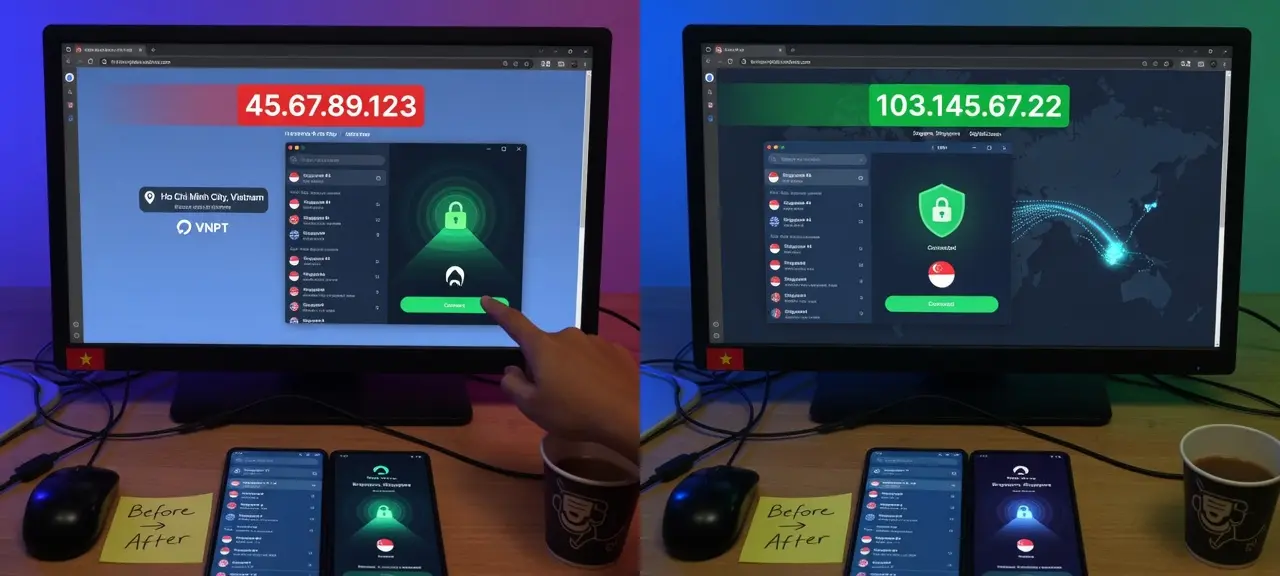
Many VPN apps add their own default route through the VPN adapter, so the gateway you see may not be your router. Turn the VPN off and run the command again to read your home gateway.
Default gateway in IPv6 (the fe80:: address)
On a network with IPv6, ipconfig often shows two Default Gateway lines: one like fe80::1%12 and one IPv4 address such as 192.168.1.1. The fe80:: line is normal. It is the router's own link-local IPv6 address, and the %12 is the interface number Windows uses to tell adapters apart.
The reason is in RFC 4861, the IPv6 Neighbor Discovery standard. Section 4.2 says a router must send its Router Advertisements from the link-local address of the interface. Devices learn their default router from those advertisements, so the IPv6 gateway starts with fe80::. The ipv4 default gateway on the second line is a separate entry. On Linux, ip -6 route show default prints the same fe80:: address after "via".
Common default gateway addresses
The most common default gateway address at home is 192.168.1.1, followed by 192.168.0.1 and 10.0.0.1. All three sit in the private ranges that RFC 1918 reserves (10.0.0.0/8, 172.16.0.0/12 and 192.168.0.0/16). That is why millions of homes use the same number without conflict. The table lists only what each maker's support page states.
| Address | Often seen on | Source |
|---|---|---|
| 192.168.1.1 | Linksys routers | Linksys KB 73 |
| 192.168.0.1 | TP-Link routers (tplinkwifi.net also works) | TP-Link FAQ 87 |
| 10.0.0.1 | Xfinity gateways | Xfinity Admin Tool access |
The 10.0.0.1 gateway on Xfinity answers only from devices on that home network. A router set up by someone else can use any private address, so trust the number your device reports.
Test your connection with three pings
Three pings in a row show where a connection breaks: first the default gateway, then a public IP, then a domain name. Each step that fails points to one place, either your Wi-Fi, the ISP line or DNS. Microsoft's Wi-Fi troubleshooting guide uses the same first step and tells readers to ping the default gateway.
- Run
ping 192.168.1.1on Windows orping -c 4 192.168.1.1on a Mac or Linux, with your own gateway number. No replies point to weak Wi-Fi, a loose cable or a frozen router. - Run
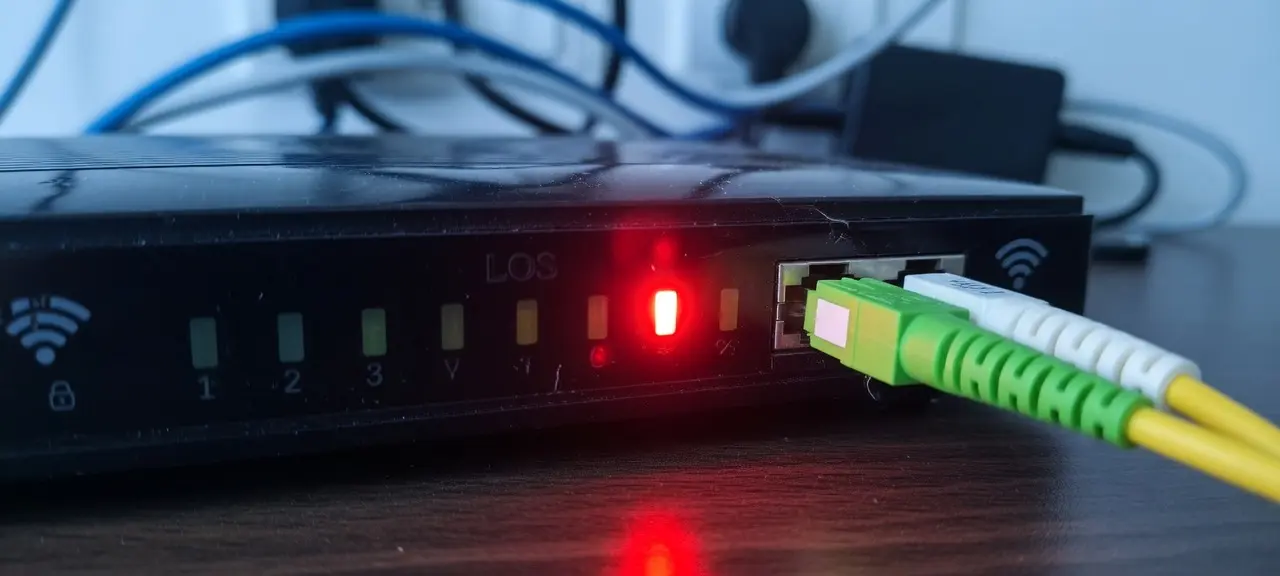
ping 8.8.8.8, a Google Public DNS address. If the gateway replies but this fails, the fault is on the modem or the ISP line. On a fiber modem, a red LOS light means the optical signal is gone. - Run
ping google.com. If IP addresses answer and names don't, the problem is DNS, and switching to other DNS servers usually fixes it.
Some routers ignore pings sent to themselves. If step 1 times out but the admin page still opens, the router is up. The CheckIP ping tool runs from our servers, so it can't reach a 192.168.x.x address.
How to fix "default gateway is not available" on Windows
"The default gateway is not available" is a result of the Windows network troubleshooter. It means the PC has a network adapter and a connection, but the router doesn't answer. Try the fixes in this order, lightest first. Steps 4 to 8 follow Microsoft's guide to fixing Wi-Fi connection issues in Windows.
- Restart the router and the PC. Restart is not reset: a reset erases your Wi-Fi name and password.
- Forget the Wi-Fi network and join it again. If the router has 2.4 GHz and 5 GHz networks, try the other one.
- Check whether the PC uses a manual IP. A static setup with the wrong gateway causes this error, so switch IP assignment back to Automatic (DHCP), or pick a safe manual IP in the router's range.
- In Device Manager, open the Wi-Fi adapter's Power Management tab and uncheck "Allow the computer to turn off this device to save power".
- Update the Wi-Fi driver, or uninstall the device and restart so Windows installs it again.
- Open Command Prompt as administrator and run, in this order:
netsh winsock reset,netsh int ip reset,ipconfig /release,ipconfig /renew,ipconfig /flushdns. Then restart. - Pause any VPN client or security suite that filters network traffic, test again, and turn it back on right after.
- Use Network reset as the last step. On Windows 11 it is in Settings, Network & internet, Advanced network settings. On Windows 10 it is under Settings, Network & Internet, Status. It removes every network adapter and its settings, so VPN software must be set up again.
If every device in the house loses the internet at the same time, the PC is not the problem. Go back to the three pings to find the broken hop.
Frequently asked questions
Is the default gateway the same as my router's IP address?
At home, almost always. The default gateway is the LAN address of the router your device connects to. If you have a second router plugged in behind the ISP's modem-router, a setup called double NAT, devices on the second router see that router as their gateway. The ISP box then has its own, different address one step further out.
Is the default gateway my public IP address?
No. There is no public gateway address for your home that websites see. The default gateway is a private address such as 192.168.1.1 that works only inside your network. Your public IP is assigned by the ISP to the router's internet side, and it changes when the ISP gives you a new one. The CheckIP home page shows that public address.
What should my default gateway be?
It should be the LAN IP of your router, in the same range as your device. A PC at 192.168.1.23 with mask 255.255.255.0 needs a gateway in 192.168.1.x, usually 192.168.1.1. For a printer or camera with a static IP, copy the gateway from a working device on the same Wi-Fi.
Can I change my default gateway?
On a single device, only by setting a manual IP, and the new gateway must be a real router on your network. On the router itself, changing its LAN IP changes the gateway for every device. Static IPs, DHCP reservations and port forwarding rules that used the old range stop working until you update them, so change it only for a clear reason.
Why does my default gateway show 0.0.0.0 or nothing?
In ipconfig, a blank or 0.0.0.0 gateway means the adapter has no route out: it isn't connected, DHCP failed, or a manual setup left the gateway empty. A 169.254.x.x device address on the same adapter confirms the router never answered. In route print, 0.0.0.0 in the Network Destination column is different. That row is the default route itself, and the Gateway column next to it holds your router's address.