

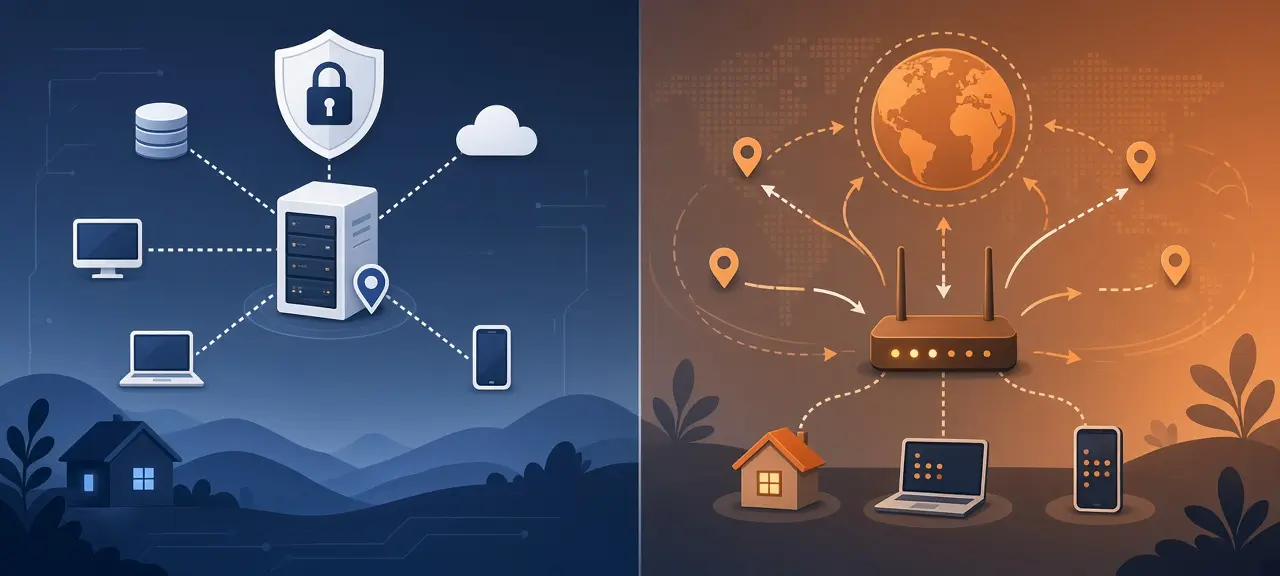
A static IP address stays the same until you or your internet provider change it. A dynamic IP address is handed out automatically and can change when your router reconnects or its lease runs out. That is the static vs dynamic IP difference in two sentences. Most home internet plans come with a dynamic public IP, and a static one is usually a paid add-on or part of a business plan. Your devices at home have a second layer of local addresses, and those can be static or dynamic too. Check your current IP address now and write it down for the comparison test below.
Static vs dynamic IP at a glance
The two types differ in how the address is assigned and whether it changes. A static IP is typed in by hand or reserved for you by the ISP, and it doesn't move. A dynamic IP comes from a shared pool through DHCP or a PPPoE session and can be swapped for another one.
| Feature | Static IP | Dynamic IP |
|---|---|---|
| How it's assigned | Typed in by hand, or reserved for your line by the ISP | Handed out automatically from a pool by DHCP or a PPPoE session |
| Does it change? | No, unless you or the ISP change it | It can, on reconnect or when the lease ends |
| Cost (public IP) | Usually an extra fee or a business plan | Included in the plan |
| Hosting and remote access | Reachable at the same address every time | Needs dynamic DNS to follow each change |
| Typical users | Businesses, people running servers, remote workers on a whitelist | Most homes and nearly all mobile connections |
Most households never need a static public IP. It helps people who must be found at a fixed address, such as someone hosting a server or logging in to a system that accepts one approved IP.
What is a static IP address?
A static IP address is an address assigned once and kept fixed. The term covers two different things. A static public IP is the internet-facing address your ISP reserves for your connection. A static private IP is a local address you give a device on your own network.
Here is a static public IP in practice. Your ISP assigns 203.0.113.10 to the WAN side of your router and lists it in your contract. Every website sees 203.0.113.10 from your home, even after reboots. (203.0.113.10 is a documentation address from RFC 5737.)
A static private IP lives only inside your network. You set your printer to 192.168.1.50 so other devices find it after every restart. It's free, and it doesn't change the address websites see. A camera with a static private IP still isn't reachable from outside without a public address and port forwarding on the router.
What is a dynamic IP address?
A dynamic IP address is assigned automatically for a limited time and goes back to a shared pool when it's no longer used. That's why the answer to "does my public IP address change?" is usually yes on a home plan. Your ISP gives your router a dynamic public IP, and your router does the same for each device.
The usual mechanism is DHCP, the Dynamic Host Configuration Protocol defined in RFC 2131: a server lends an address to a device for a set period called a lease. By default, a device starts renewing halfway through the lease and keeps the address if renewal works. Many ISPs use PPPoE on the public side instead, where each new login session can bring a different address. Unplugging the router forces a fresh connection, so the public IP may change. It may also stay put. When a restart isn't enough, there are other ways to force a new IP address.
Why a dynamic IP can look static
A "sticky" dynamic IP is a dynamic address that stays the same for weeks or months. RFC 2131 (section 4.3.1) tells DHCP servers to give a returning client its current or previous address when it is still free, so a router that reconnects quickly often gets the same IP back. Sticky addresses fool the reboot test below. An unchanged IP after a restart is a hint, not proof, that the address is static.
What is my static IP address?
If your ISP gave you a static IP, it is the public IP shown at the top of the CheckIP home page, because that is the address your traffic leaves with. If you mean the fixed local address of your PC, it is in your network settings or in the output of ipconfig on Windows.
For the local one, see how to find the IP address on your computer on Windows, Mac, Linux and Chromebook. No website can tell you whether an address is static; on one visit, static and sticky dynamic IPs look identical.
How to check if your IP is static or dynamic
To answer "is my IP static or dynamic", compare your public IP over several days, read the connection type in your router's WAN settings, check the IP settings on your device, and ask your ISP. Only the ISP can confirm a static public IP. The other checks give strong hints, and one change of address proves it's dynamic.
Compare your public IP over time
Write down the address on CheckIP. Restart the router, wait until it's online, and reload the page. Repeat the next day. If the number ever changes, the IP is dynamic. If it holds across several days and restarts, it is static or sticky.
Check the WAN settings in your router
This is how to check static IP address settings at the source. Log in to your router and open the WAN or Internet page. The connection type is usually DHCP (some routers say Dynamic IP or Automatic), PPPoE, or Static IP. DHCP normally means a dynamic public IP. Static IP, with the address, gateway and DNS typed in by hand, means a static public IP. PPPoE is less clear: the ISP can attach a fixed address to a PPPoE account on its side, so check your plan as well.
Check your device for a static local IP
Device settings show whether a local address was set by hand:
- Windows: run
ipconfig /allin Command Prompt. "DHCP Enabled: No" under your adapter means static. - Mac: System Settings, Network, your connection, Details, TCP/IP. "Configure IPv4: Manually" means static.
- iPhone: Settings, Wi-Fi, the "i" next to your network, Configure IP. Manual means static.
- Android: your Wi-Fi network's settings, IP settings (DHCP or Static). Menu names vary by brand.
Ask your ISP or check your plan
Your ISP is the only source that can confirm a static public IP. Look for "static IP" or "fixed IP" on your bill or contract, or ask support. If a home plan doesn't charge for it, the IP is most likely dynamic.
Why the check fails behind CGNAT
If the WAN address in your router doesn't match the IP on CheckIP and falls between 100.64.0.0 and 100.127.255.255, you're behind carrier-grade NAT (CGNAT). RFC 6598 reserves that block for ISPs that put many customers behind one public IP. The address websites see belongs to the ISP's gateway, so testing it says nothing about your line, and port forwarding won't work. The full explanation, including double NAT, is in our article on public vs private IP addresses.
When do you need a static IP?
You need a static public IP when other people or systems must reach your network at a fixed address, or when a service only accepts logins from approved IP addresses. For browsing, streaming and ordinary gaming you don't. Typical cases:
- Hosting a website, game server or mail server.
- Reaching a camera, NAS or home lab (Plex, Home Assistant) without a cloud relay.
- A site-to-site VPN between two offices.
- IP whitelisting by a company network, bank portal or API.
- Some business VoIP setups that register phones by IP.
Static vs dynamic IP for gaming has a short answer. A static IP doesn't lower ping, because latency depends on distance and routing. It helps only if you host a server that friends join by IP. Once a port is forwarded, test whether a port is reachable from the internet.
Pros and cons of static and dynamic IPs
A static IP is predictable and easy to reach, but it usually costs extra and stays a fixed target. A dynamic IP is free and needs no setup, but it can change without warning and needs dynamic DNS for remote access. Neither type is private or secure on its own; that depends on what you expose.
A static IP never breaks a whitelist or drops a session, and DNS records pointing at it never need updating. The price is a fee on most plans and an address that can be scanned for months, so a firewall and closed unused ports matter more.
A dynamic IP is free, but it is no anonymity tool: websites see your current IP and your ISP logs which customer had which address. Remote access needs extra setup, and whitelists break each time the address changes.
How to get a static IP (or avoid needing one)
To get a static public IP, ask your ISP. It's usually a paid option and may require a business plan. For a fixed local address, create a DHCP reservation in your router. If you only need remote access, dynamic DNS or a tunneling service often does the job with no static IP at all.
Before you pay, ask the ISP:
- Is it a real public IPv4 address, or will my connection still sit behind CGNAT?
- Is it a one-time or monthly fee?
- Do I get a static IPv4 address, a fixed IPv6 prefix, or both?
For a static local IP, a DHCP reservation is safer than typing an address on each device. The router always gives one MAC address the same IP, such as 192.168.1.50, so you avoid IP conflicts.
Dynamic DNS (DDNS) gives your home a fixed hostname that follows the public IP, and many routers and cameras have it built in. DDNS fails behind CGNAT, where a hostname still points at the ISP's shared address. Mesh VPN and tunneling services open an outbound connection, so they work there too.
Frequently asked questions
Does a static IP make my internet faster?
No. Download and upload speeds come from your plan, your line and your Wi-Fi, and a static address changes none of them. Ping depends on the physical distance and the route to the server.
Is a static IP safer than a dynamic IP?
Not really. Automated scanners sweep whole address ranges all day, so a dynamic IP gets probed as often as a static one while you hold it. The static address is easier to come back to once someone has noticed an open service on it. A static IP with every port closed is safer than a dynamic IP running an unpatched server.
Can a static IP address change?
Yes, though rarely. Your ISP can reassign it when it renumbers its network, moves you to new equipment or changes your plan. Switching to another ISP always means a new address, because each provider has its own address blocks.
Does a VPN give me a static IP?
Usually not. Most VPN servers put many users behind shared addresses, and you may get a different one each time you connect. Some providers sell a dedicated IP, used only by you, which works like a static IP for whitelisting. That address belongs to the VPN provider, not your ISP, and it only applies while the VPN is connected.
Is my phone's IP static or dynamic?
On mobile data it is almost always dynamic, and carriers often share one public IP among many phones through CGNAT, so the address websites see can change each time you reconnect. On Wi-Fi, your phone gets a dynamic private IP from the router and uses the router's public IP to reach the internet.





