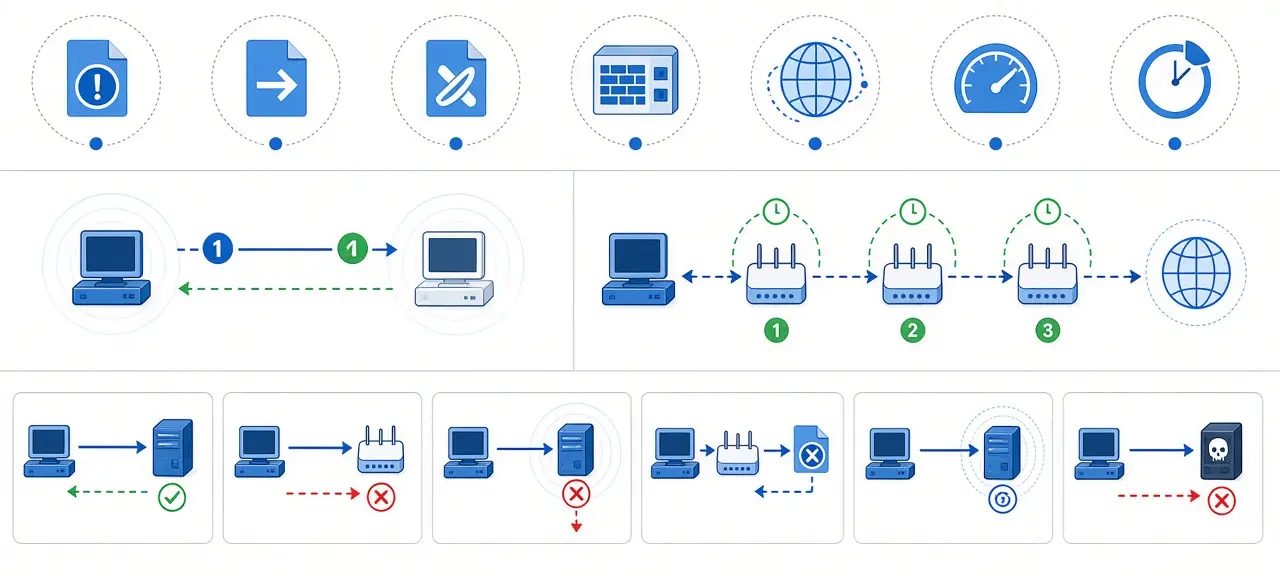

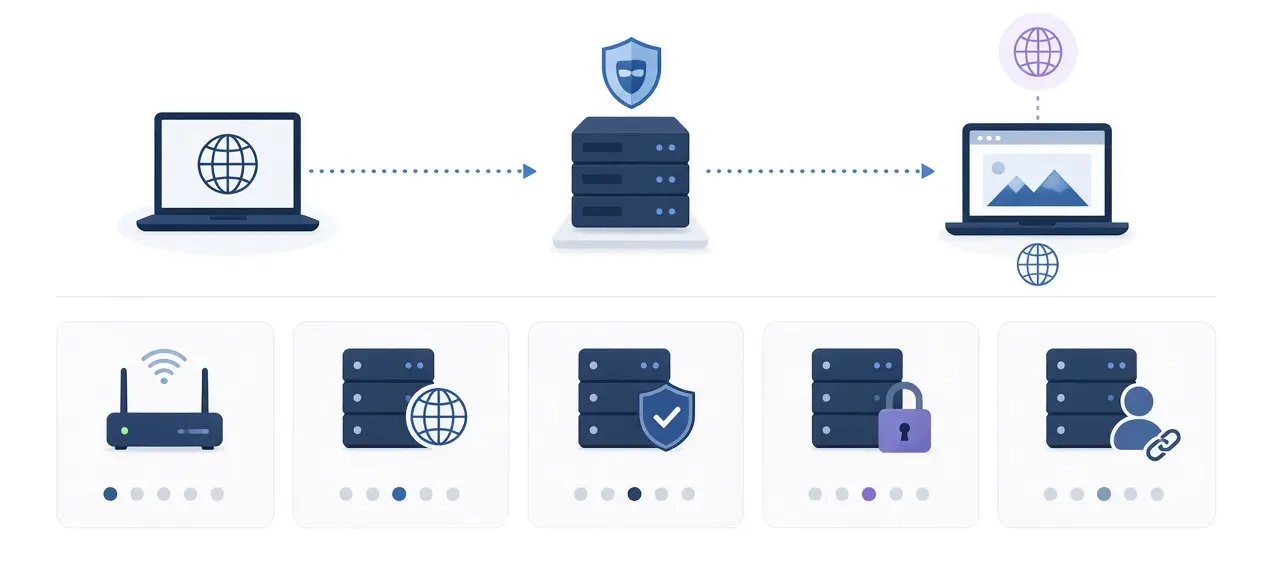
Proxies are servers that sit between your device and the websites you visit. Your browser or app sends each request to the proxy, the proxy fetches the page and passes it back, and the website records the proxy's IP address instead of yours. That is the short answer to what are proxies. A proxy only covers the apps you point at it, and most HTTP and SOCKS proxies encrypt nothing, which is the main split from a VPN. To test whether a listed proxy still answers, use a proxy checker.
What are proxies in networking?
In networking, a proxy server is a computer that makes connections on your behalf. RFC 9110, the IETF standard for HTTP, names three common intermediaries: the proxy, the gateway (also called a reverse proxy) and the tunnel. A proxy is the one the client picks in its settings. The word comes from law, where a proxy is a person allowed to act for someone else.
Every proxy has an address made of an IP and a port, for example 203.0.113.10:8080 (a documentation address from RFC 5737). That pair is the proxy server address your Wi-Fi or system settings ask for. Ports 8080 and 3128 are common for HTTP proxies, and 1080 is the registered port for SOCKS.
"Proxy IP address" has two meanings: the address your device connects to, and the exit IP websites see. On services with many servers, the two differ.
How a proxy works, step by step
A proxy splits one connection into two: your device talks to the proxy, and the proxy talks to the website. Here is a browser with an HTTP proxy at 203.0.113.10:8080 opening an HTTPS page.
- The browser connects to 203.0.113.10 on port 8080, not to the website.
- For HTTPS, the browser sends a CONNECT request with the site and port, such as example.com:443. RFC 9110 defines CONNECT as the request to open a tunnel. The proxy then relays encrypted bytes: it sees the domain, not the page.
- The proxy connects to the website from its own IP. The site's logs show 203.0.113.10.
- Replies travel back through the proxy to your browser.
A proxy does not change the IP of the whole device. Apps not set to use it go straight out with your real IP, so a proxy in one browser shows no change in another.
Some proxies pass your real address in a header such as X-Forwarded-For or Forwarded (RFC 7239). That sets the anonymity level (transparent, anonymous or elite), which the checker page explains.
Forward proxy vs reverse proxy
A forward proxy works for the user, in front of your device or office network. A reverse proxy works for the website and sits in front of its web servers.
| Forward proxy | Reverse proxy | |
|---|---|---|
| Who sets it up | You, your employer or your school | The website owner or its host |
| Who it hides | The user's IP, from websites | The origin server's IP, from visitors |
| Typical place | Browser or system proxy settings, office network edge | In front of web servers, often in a CDN or load balancer |
| What you notice | Sites see a different IP for you | Nothing, it looks like the website |
Per the F5 glossary, reverse proxies handle load balancing, caching and TLS decryption for the servers behind them. So the IP of a large site is often its CDN's address, not the machine that stores the site.
Types of proxies you will run into
Proxies are named in three overlapping ways: by protocol, by who runs them, and by where their IPs come from. By protocol, HTTP proxies carry web traffic, while SOCKS5 (RFC 1928) passes any TCP connection and adds UDP; the checker page compares them in a table.
By who runs it
- Corporate and school proxies filter sites, cache downloads and keep logs.
- An open proxy accepts connections from anyone. Many are misconfigured or hijacked machines.
- Paid proxies ask for a username and password, or accept only IP addresses you register.
By IP source: datacenter, residential and mobile
Datacenter proxies use IPs owned by hosting companies: fast, and easy for sites to spot. Shared proxies put several customers on one IP.
Residential proxies use IPs that ISPs assign to homes, so the traffic looks like an ordinary household. In public service announcement I-060525-PSA of June 5, 2025, the FBI warned that criminals sell access to compromised home networks as residential proxies, naming TV streaming devices, digital projectors and picture frames infected with BADBOX 2.0 malware.
Mobile proxies route through 4G or 5G, where carrier-grade NAT puts many real phones behind one public IP.
Static vs rotating proxies
A static proxy keeps one exit IP. A rotating proxy takes a new IP from a pool per request or per time interval, while you keep the same entry address (people also call it a random IP proxy). Legitimate uses include testing how a site or ad looks in other regions and collecting public data within the source site's terms. Large platforms still score every IP and can lock accounts.
To tell the types apart, look up the proxy's ISP from its exit IP. A hosting company in the ASN field means datacenter. A home ISP or mobile carrier means residential or mobile.
Am I using a proxy? How to find your proxy server address
To check if you are using a proxy, open your device's proxy page from the table below. If no proxy address is filled in and no setup script is set, the device is not behind a proxy at the system level. A browser extension can still take over the browser's proxy, and chat apps or download managers keep their own fields.
| Device | Where to look | What "no proxy" looks like |
|---|---|---|
| Windows 11 and 10 | Settings, Network & internet, Proxy | Use setup script off, Use a proxy server off |
| macOS | System Settings, Network, your connection, Details, Proxies | Every switch off |
| iPhone and iPad | Settings, Wi-Fi, the (i) next to your network, Configure Proxy | Off |
| Android | Settings, Network & internet, Internet, gear next to your Wi-Fi, Edit, Advanced options, Proxy (Pixel; other brands differ) | None |
| Chrome and Edge | Follow the system. In Chrome: Settings, System, Open your computer's proxy settings | System shows no proxy |
| Firefox | Settings, General, Network Settings | No proxy, or system proxy with the system off |
Per Microsoft's support page, each Windows VPN connection has separate proxy fields under VPN, Advanced options. On a phone, a Wi-Fi proxy applies only to the network it is saved under.
Setup script and automatic detection (PAC and WPAD)
"Use setup script" on Windows and "Automatic proxy configuration" on a Mac point to a PAC file, a script at a URL ending in .pac that picks a proxy for each site. "Automatically detect settings" and "Auto proxy discovery" use WPAD, where the device asks the network for a PAC file. Both are normal at the office. At home, a .pac address you never set is a warning sign: turn it off and scan for malware.
Confirm it with your IP
Open the CheckIP home page to see the IP websites see. An IP and ISP that aren't your home line mean a proxy or VPN. Office transparent proxies may appear in no setting, so ask IT.
Proxy vs VPN: what actually differs
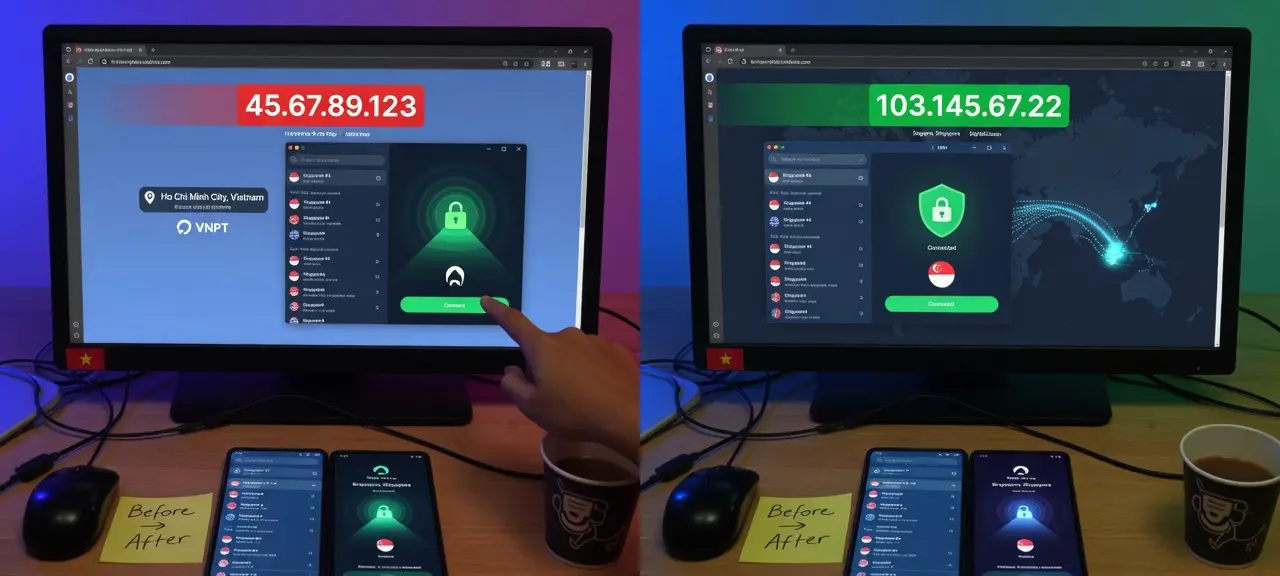
A VPN encrypts traffic and moves the whole device onto the VPN server's network. A proxy usually covers one app and, for HTTP and SOCKS, adds no encryption.
| Proxy | VPN | |
|---|---|---|
| Works at | Application layer, app by app | Network layer, all traffic |
| Where you set it | Proxy fields in an app, browser or system | A VPN app or VPN profile |
| Encryption to the server | None, beyond the HTTPS sites already use | Yes, device to VPN server |
| What the operator sees | Domains you visit, full plain HTTP pages | Every connection from your device |
If you are asking "am I using a VPN or proxy", look at the status bar: a connected VPN shows a VPN or key icon on most phones, a Wi-Fi proxy shows nothing. To test leaks too, read does a VPN hide your IP.
Why websites flag or block proxies
Websites flag proxies because proxy traffic is harder to tie to one person and often carries spam signups and automated logins. That is why a proxy can bring extra CAPTCHAs. Sites that block proxy traffic weigh signals like these:
- The IP belongs to a hosting network (its ASN), not a home ISP.
- The IP is on a spam or abuse list. You can check if an IP is blacklisted.
- Via or X-Forwarded-For headers reveal a proxy, or many accounts share one IP.
Blocking is each site's policy, and this guide does not cover ways around it.
Are proxies safe to use?
A proxy is as safe as the person who runs it, because the operator sees everything passing through. On a plain HTTP page the operator can read and change content, so never type a password there through a proxy you don't control. A certificate warning while a proxy is on means stop. Using a proxy is legal in most places, but what you do through it still falls under the law.
Frequently asked questions
Does a proxy hide my IP address?
Only from sites you reach through apps that use the proxy. Other apps on the same device still connect with your real IP. A transparent proxy also forwards your real address in a header, so the site can read it anyway. Compare the CheckIP home page with the proxy on and off.
Is a proxy server address the same as my IP address?
No. The proxy server address belongs to the proxy machine and is written as IP and port, such as 203.0.113.10:8080. Your own public IP is the one your ISP gives your router, and it stays the same when you turn a proxy on.
Should my proxy settings be on or off?
Proxy settings are the fields that tell a device or app to route traffic through a proxy. At home, keep them off unless you set one up on purpose. On a work or school laptop, leave them as IT set them, since turning them off can cut access to internal sites.
How do I know if my proxy is working?
Turn the proxy on, open a new tab and check the IP on the CheckIP home page. If it shows the proxy's IP and network instead of your ISP, the proxy works for that browser. To test a whole list, paste it into the proxy checker.
Why does a rotating proxy log me out of websites?
Many sites tie a login session to the IP it started on. When a rotating proxy switches exit IP mid-session, the site may treat you as a new visitor and ask you to sign in again. A static IP avoids this.