

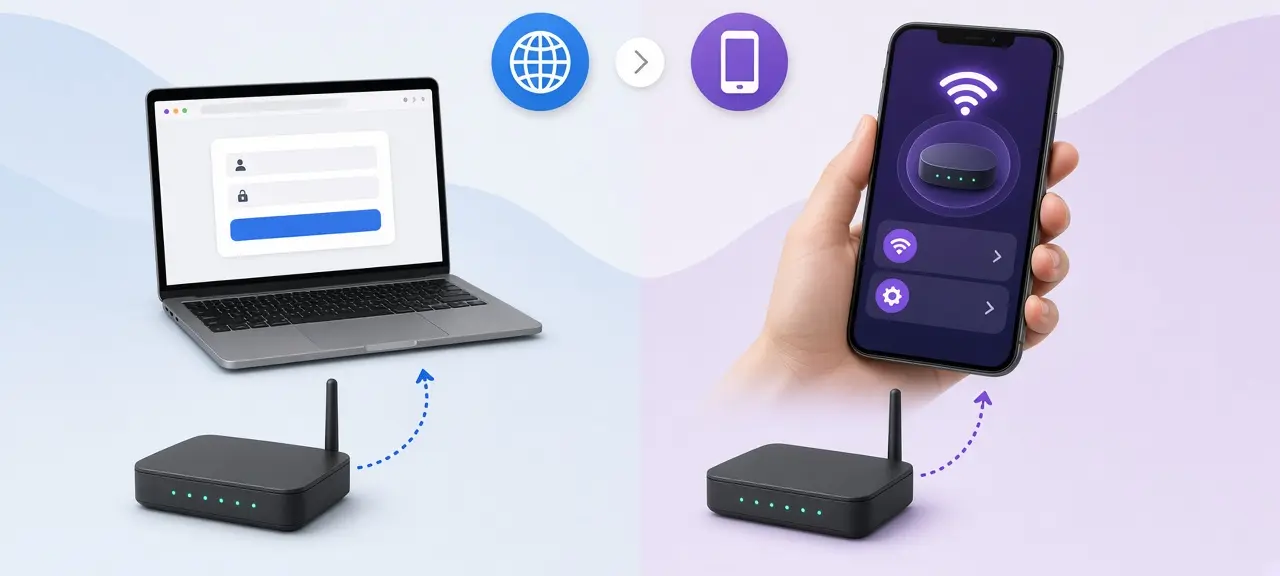
To log in to an FPT Telecom modem, connect to its Wi-Fi, type 192.168.1.1 into your browser's address bar, and enter the username and password printed on the label under the modem. That is the whole FPT router login. FPT's own setup guide says the same thing: the default account is on the bottom of the modem, and if it isn't there, you call FPT. If you only want to change the Wi-Fi name or password, the Hi FPT app does it without the web page, and its App Store listing includes English. Renting? The FPT contract may be in your landlord's name. That changes how the app works for you.
Quick answer:
- Browser: 192.168.1.1, then the account on the modem label.
- App: Hi FPT, signed in with the phone number on the contract.
- Stuck: call FPT Telecom on 1900 6600.
FPT router login in your browser (192.168.1.1)
The FPT modem login page is at http://192.168.1.1, according to FPT Telecom's official Wi-Fi setup guide for the CIG G-97D2 modem. The guide gives no shared password. It says the default account is printed under the modem, and if you can't find it, FPT Telecom's hotline can help.
- Turn off your VPN and mobile data. A VPN sends traffic through a server abroad, so the browser can't see the modem in your apartment.
- Join the FPT modem's Wi-Fi, or plug a laptop into one of its LAN ports.
- Type 192.168.1.1 into the address bar and press Enter.
- Enter the username and password from the label.
The label usually lists two separate sets of details. The admin login opens the settings. The Wi-Fi name and Wi-Fi password let devices join the network, and that name is the network's SSID (here is what an SSID is). If the label is in Vietnamese, "Tên đăng nhập" means username, "Mật khẩu" means password and "Mật khẩu Wi-Fi" means Wi-Fi password.
Once you're in, the menus are in English. FPT's G-97D2 guide shows a "Wireless Setup" menu with Basic, SSID and Wireless Security pages. Only log in to a modem in your own home, or one you're allowed to manage.
If the browser shows a security warning, or 192.168.1.1 doesn't load at all, your modem may use another address. Our guide on how to log in to your router explains the warning screen and how to find the default gateway on any device.
Use the Hi FPT app (and switch it to English)
The Hi FPT app is FPT Telecom's official app for iPhone and Android. Customers use it to change the Wi-Fi name and password, see connected devices, turn Wi-Fi on or off and restart the modem, according to an FPT Telecom article on the app. Its App Store listing names two languages: English and Vietnamese.
On October 11, 2026, the Hi FPT App Store page showed version 9.6.3, released October 9, 2026, with a 4.3 rating from about 79,000 reviews. On Google Play it is called "Hi FPT - Internet, Hỗ trợ 24/7" and has more than 5 million downloads.
The English option exists, but where to switch it isn't confirmed yet. On an iPhone, try Settings, then Hi FPT, then Language; iOS shows that option for apps that support several languages. One English review on Google Play (March 2025) says the translation is incomplete. If a screen stays in Vietnamese, point Google Lens or your phone's camera translate feature at it.
To sign in, type the phone number on the FPT contract, then the one-time code (OTP) sent to that number. These Vietnamese labels are the ones you are most likely to tap:
| Vietnamese label | English meaning |
|---|---|
| Quản lý Wi-Fi | Manage Wi-Fi |
| Modem WiFi | Modem and Wi-Fi tab |
| Đổi mật khẩu | Change password |
| Lưu | Save |
| Khởi động lại | Restart |
If your landlord holds the FPT contract
If the FPT contract is in your landlord's name, the Hi FPT sign-in code goes to the landlord's phone, so you can't open the app yourself. The browser login still works. It only needs the account on the modem label, not a phone number.
You have three options:
- Ask your landlord to make the change in Hi FPT, or to give you access. Google Play's October 2026 release notes mention letting family members manage service contracts in the app.
- Use the account on the modem label at 192.168.1.1.
- Ask your landlord to call FPT, since the hotline deals with the contract holder.
In a shared house, ask before changing the password, or other rooms lose their connection.
FPT modem with mesh or a second Wi-Fi unit
With an FPT mesh system or access point, log in to the main FPT modem at 192.168.1.1, not the extra unit. In mesh or access point mode, your phone's default gateway is still the main modem, whichever unit the phone is connected through. Only a unit running in router mode has its own gateway address.
FPT sells extra Wi-Fi units on its access point page: AX1500C, AX3000C, AX3000CV2, AX3000AZ, AC1200C and AC1200T, priced from 450,000 VND to 880,000 VND when we checked on October 11, 2026. FPT's 2021 article on its Mesh Wi-Fi AC1200H says every node shares one network name and password.
Change the Wi-Fi on the main modem or in Hi FPT and the whole system follows. If the upstairs Wi-Fi has a different name, the extra unit runs on its own; check your default gateway first. One App Store reviewer saw a mesh unit's Wi-Fi name reset after a power cut, so check it after an outage.
Change your FPT wifi password and network name
You can change your FPT wifi password in Hi FPT or on the modem's web page, and every device must then rejoin. On the web page, FPT's G-97D2 guide puts the network name under Wireless Setup, then SSID, and the password under Wireless Security. The password needs at least 8 characters and is case-sensitive.
Common FPT login problems
Most FPT login problems come from a VPN, the wrong network, a changed password or a contract in someone else's name.
| Problem | Likely cause | Fix |
|---|---|---|
| 192.168.1.1 won't load | VPN on, phone on 4G, or you're on your own router behind the FPT modem | Turn off VPN and 4G, join the FPT modem's Wi-Fi |
| Wrong password, even though you typed the label | The technician or a previous tenant changed it | Ask your landlord, or call FPT |
| Menu you need is missing (bridge mode, PPPoE, some port forwarding pages) | Locked for the customer account | Call FPT and ask them to change it |
| Hi FPT doesn't accept your phone number | The contract isn't in your name | See the landlord section above |
| Red LOS or Alarm light | Fiber line fault | Call FPT |
| Wi-Fi works after a reset, but no internet | Reset erased FPT's connection settings | Call FPT, and call before any reset next time |
FPT Telecom's hotline is 1900 6600, as listed on fpt.vn. We couldn't confirm English support on that line. If you don't speak Vietnamese, try the support request in Hi FPT or ask a Vietnamese-speaking friend to call. Once you're back online, test your FPT speed. Thinking about a reset? Read how to reset your router first, since a restart is often enough.
Frequently asked questions
What is the default FPT router password?
There is no single password for every FPT modem. FPT's setup guide says the default account is printed on the label under the modem, and FPT's hotline can help if the label is missing. VNPT and Viettel work the same way; see our VNPT router login and Viettel router login guides.
Is the Hi FPT app available in English?
Yes, according to its App Store listing, which names English and Vietnamese. How you switch languages, and how much of the app is translated, depends on the version you install. The label table above covers the buttons you need most.
Can I use my own router with FPT?
Yes. Plug your router's WAN port into a LAN port on the FPT modem; your router then has its own network and login address (double NAT). Switching the FPT modem to bridge mode changes its connection settings, so FPT has to do it.
Is my FPT router IP my public IP?
No. 192.168.1.1 is a private address that only works inside your home, as defined in RFC 1918. Websites see the public IP that FPT gives your connection. You can check your public IP on CheckIP, and our page on public vs private IP explains the difference.





