

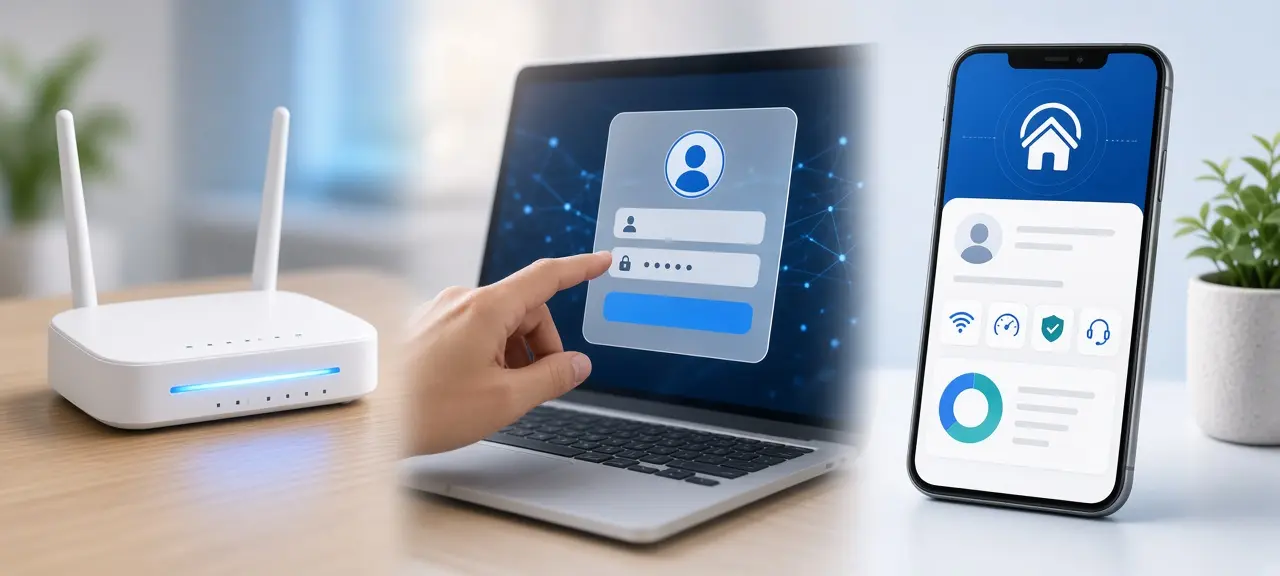
To log in to a VNPT router, join its Wi-Fi, type the address printed on the modem's label (usually 192.168.1.1) into your browser, and sign in with the username and password from that same label. That is the whole VNPT router login for most homes. If you only want to change the Wi-Fi name or password, the My VNPT app can do it without the admin page, as long as you can sign in to the account that holds the internet contract. In many rentals in Vietnam, that account is the landlord's. Browser warnings and address typos are covered in our general guide to log in to your router. On a Viettel line, the steps are in our Viettel router login guide.
VNPT router login in 4 steps
A VNPT modem login takes four steps and about a minute. You need a phone or laptop connected to the modem, a browser and the modem's label. VNPT's own guide on Digishop VNPT VinaPhone gives 192.168.1.1 or 192.168.0.1 as the address, depending on the modem.
- Join the modem's Wi-Fi, or plug a laptop into one of its LAN ports.
- Open Chrome, Safari or Edge.
- Type the address from the label into the address bar, not the Google search box.
- Enter the Username and Password printed on the label, then click Login.
If neither address opens, use your device's default gateway. Here is how to find your default gateway on any device. Only log in to a modem you're allowed to manage. If you rent, ask your landlord before you change the Wi-Fi or reset anything.
Where to find the VNPT admin password
The VNPT admin password is printed on the label under or behind the modem, on the lines marked Username and Password. There is no single default password for every VNPT modem. Each label lists its own account, and that label is the only reliable source for your box.
The same label shows the Wi-Fi name and Wi-Fi password, which only get your phone online. A VNPT iGate login works the same way: older iGate models made by VNPT Technology, such as GW040 and GW020, keep the account on the label too. After a modem swap, read the new label.
Label gone, or the password no longer works? Ask whoever set up the internet, often the landlord, or call VNPT on 18001166, the free internet line listed by Digishop VNPT and vnpt.vn. Default password lists online have no source, so we don't repeat them. Some settings are locked for the customer account; VNPT technicians manage them.
Manage your VNPT Wi-Fi in the My VNPT app
You can change your VNPT Wi-Fi password, restart the modem and block devices in My VNPT, the official app published by VNPT MEDIA. According to VNPT's Ho Chi Minh City customer care site (18001166.vn), the app must be signed in to a subscriber that uses VNPT Internet.
That rule matters for expats. If the contract is in your landlord's name, ask the landlord to make the change.
The path in VNPT's guides: open the Viễn thông (Telecom) tab, choose Internet under Dịch vụ của tôi (My services), then tap Modem Wifi under Thiết bị của tôi (My devices). The Quản lý thiết bị (Device management) screen opens.
- Tap Khởi động lại (Restart) under the modem name to restart it.
- Open Cài đặt Wifi (Wi-Fi settings) to rename a network, change its password or turn it off.
- Go to Tiện ích (Utilities), then Đặt lịch (Schedule), for automatic restarts or Wi-Fi on and off times.
- Open Danh sách kết nối (Connected devices) and tap "…" next to a device to block or unblock it.
If the app shows "Không tìm được thiết bị. Vui lòng liên hệ hỗ trợ" (device not found, please contact support), VNPT's guide says to call 18001166.
VNPT modem vs mesh unit: which one are you logged in to?
Many VNPT home plans include a free "Wifi Mesh 6" unit, according to vnpt.vn, so your home may have two VNPT boxes. The fiber modem (the ONT) is the one with the fiber cable plugged in, and its label holds your login. VNPT's Internet Wifi page describes the current home device as an XGSPON ONT with Wi-Fi 6.
If the mesh unit runs as an access point, your default gateway is still the fiber modem. The gateway changes only when the extra unit runs in router mode. When in doubt, join the Wi-Fi name on the modem's label or plug a cable into the modem.
A TP-Link router behind the VNPT modem means two login pages (see double NAT in the general guide). A red LOS light on the modem is a fault on the fiber line, and logging in won't fix it.
Vietnamese words you may see in My VNPT
My VNPT and VNPT's help pages use Vietnamese labels for every button. This table lists the ones that appear in VNPT's own instructions on Digishop and 18001166.vn, with a plain English meaning, so you can tap the right button without reading Vietnamese.
| Vietnamese | English |
|---|---|
| Viễn thông | Telecom (tab) |
| Dịch vụ của tôi | My services |
| Thiết bị của tôi | My devices |
| Quản lý thiết bị | Device management |
| Khởi động lại | Restart |
| Cài đặt Wifi | Wi-Fi settings |
| Mật khẩu | Password |
| Lưu | Save |
| Tiện ích | Utilities |
| Đặt lịch | Schedule |
| Danh sách kết nối | Connected devices |
Khởi động lại only restarts the modem. It does not erase settings the way a factory reset does.
VNPT router login problems and fixes
Most VNPT login failures come from a password someone already changed, a customer account with locked menus, or a phone connected to the wrong box. General problems, like a page that won't load on mobile data, are in the general guide. This table covers only VNPT cases.
| Problem | Cause | Fix |
|---|---|---|
| "Incorrect password" with the label details | Someone changed it, or it's an old modem's label | Ask the installer or landlord, or call 18001166 |
| No WAN, bridge or VLAN menus | Customer account is limited | Ask VNPT to change them |
| My VNPT says "Không tìm được thiết bị" | The app finds no modem on the account | Call 18001166 |
| Wi-Fi works, no internet after a reset | Reset erased VNPT's internet settings | Call VNPT to set it up again |
| 192.168.1.1 opens a mesh or TP-Link page | Phone is on another device | Join the modem's Wi-Fi or use a cable |
| Red LOS light | Fiber line fault | Call VNPT |
Call before you reset a VNPT modem, not after. Have the contract holder's name and phone number ready. If you don't speak Vietnamese, ask a friend or your landlord to join the call.
What to check after you log in
After a VNPT router login, change the admin password from the label, then test the line and compare IP addresses. These checks show whether a slow or broken connection comes from the modem, the Wi-Fi or VNPT's own network.
- Change the admin password printed on the label, since anyone who sees the modem can read it.
- Run a speed test once over Wi-Fi and once over a cable. Slow on both points to the line; slow only on Wi-Fi points to the modem or where it sits.
- Compare the WAN IP on the modem's status page with your public IP on CheckIP. If they differ, VNPT may have you behind carrier-grade NAT, as our page on public vs private IP explains. If you plan to set up port forwarding for a camera or game server, you need a public WAN IP first.
Frequently asked questions
What is the default VNPT router IP address?
Most VNPT modems use 192.168.1.1, and VNPT's guide on Digishop lists 192.168.0.1 for some models. Neither is guaranteed. If both fail, trust the address on your modem's label, or the default gateway shown in the Wi-Fi details of a phone connected to that modem.
What is the default VNPT admin password?
There isn't a shared one. Every VNPT modem ships with its own admin account on its label. Sites that list a single VNPT password give no official source and often name the wrong models. A lost label means a call to 18001166.
Can I log in to my VNPT modem remotely?
Use the My VNPT app for remote changes, such as a restart or a Wi-Fi schedule. Don't open the modem's admin page to the internet. That gives strangers a login page to guess passwords on, and the app already covers the settings most homes need.
Is VNPT the same as VinaPhone?
VinaPhone is VNPT's mobile brand. The My VNPT app covers both: its Google Play listing says it manages VinaPhone mobile accounts as well as Internet, MyTV and landline services. Home internet support is on 18001166, while mobile has a separate line.





